Go to Cart
moon-landing-page
xiC-links-cut

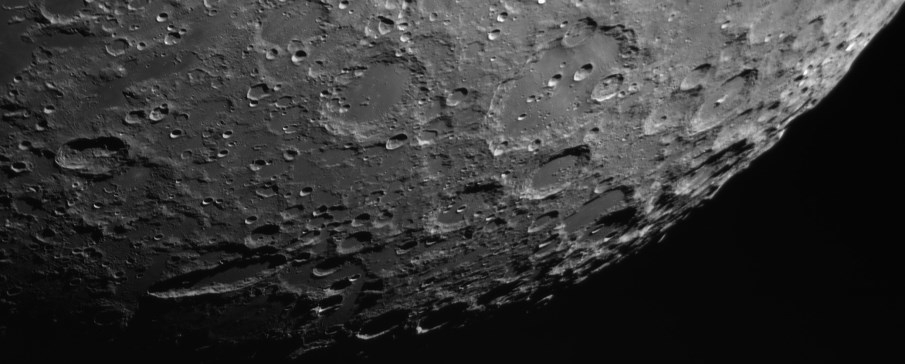
XIMEA USB 3.0 cameras in a scrupulous Astronomy test

Astronomy experts looked at the moon with new vision secured by xiQ - USB 3.0 cameras
xiRay-rechts-cut

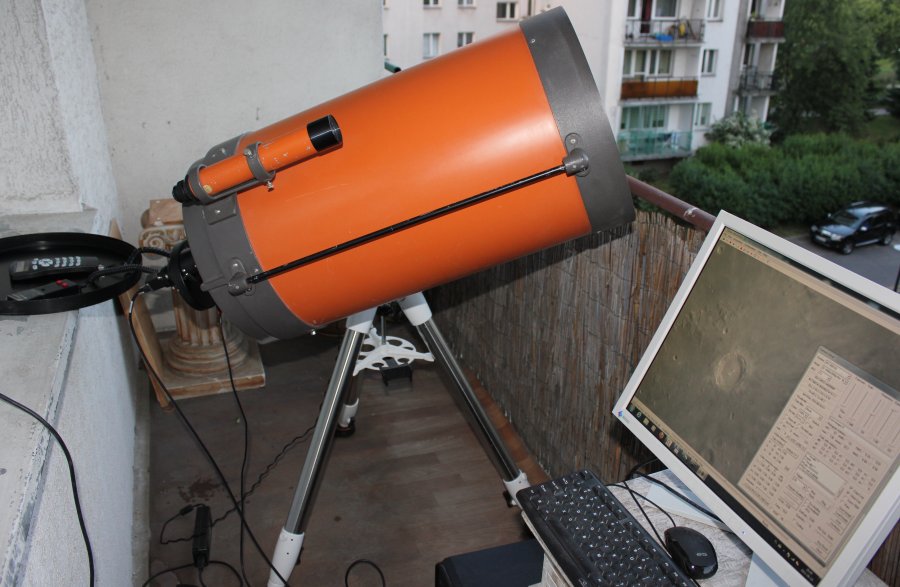
XIMEA USB 3.0 cameras were recently tested by the Astronomy community and we wanted to share the results with you.


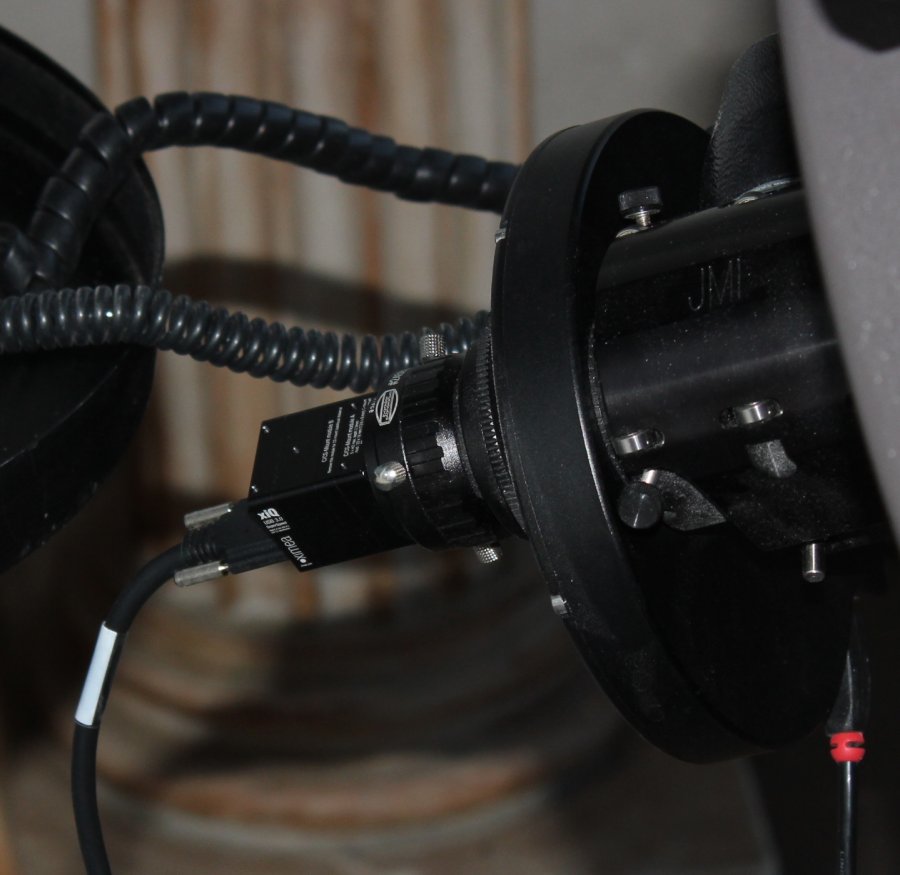
Models: MQ042MG-CM and MQ042RG-CM


MQ042MG-CM is a standard model of the camera with 4.2 Mpix resolution (2048 x 2048) at 90 fps based on the latest revision of CMOSIS sensor CMV4000 where all of the previous artifacts were removed.

MQ042RG-CM is a similar model, but with an enhanced Near Infrared (NIR) sensitivity.


Link to the performed trials with beautiful pictures is here: http://www.rkblog.rk.edu.pl/w/p/testing-xiq-cameras-big-mono-sensors-solar-imaging/

astronomy xiQ XIMEA camera USB 3.0XIMEA RKblog astronomy telescope USB3 vision

If you are interested there is also earlier exploration of image quality that is provided by our first USB3 Vision standard compliant model MQ013MG-E2.


This model provides 1.3 Mpix resolution (1280 x 1024) at 60 fps and is based on EV76C560 from e2V. It also has NIR version with Ruby sensor EV76C661


Link to the review of the first USB 3.0 camera on the market with such sensor is here:

http://www.rkblog.rk.edu.pl/w/p/testing-fast-usb3-camera-ximea-xiq-mq013mg-e2/

Software tips from Piotr Malinski:

"At start you have to install drivers and software provided by XIMEA.

Aside of drivers there are two handy apps: The viewer (that just auto-displays the image from the camera) and "newCCDtest" application (in Ximea folder installed on the primary HDD) that can record sets of TIFF files as well as change camera settings.

From astronomical applications Ximea cameras are supported by SharpCap.

The latest beta have been updated to use the latest xiQ API.

In my case I also had to copy m3api.dll to the SharpCap folder for it to start finding xiQ cameras.

Note that you have to use SER format for efficient capture (AVIs will be very slow).

Developers can look at the .NET API and also on my IronPython script.

You just have to set System.Drawing.Bitmap size to 2048, 2048."

Related articles

Latest articles